IP allowlist
Require IP in a clock policy only after CIDR has been validated with one permitted clock attempt and one outside the range.
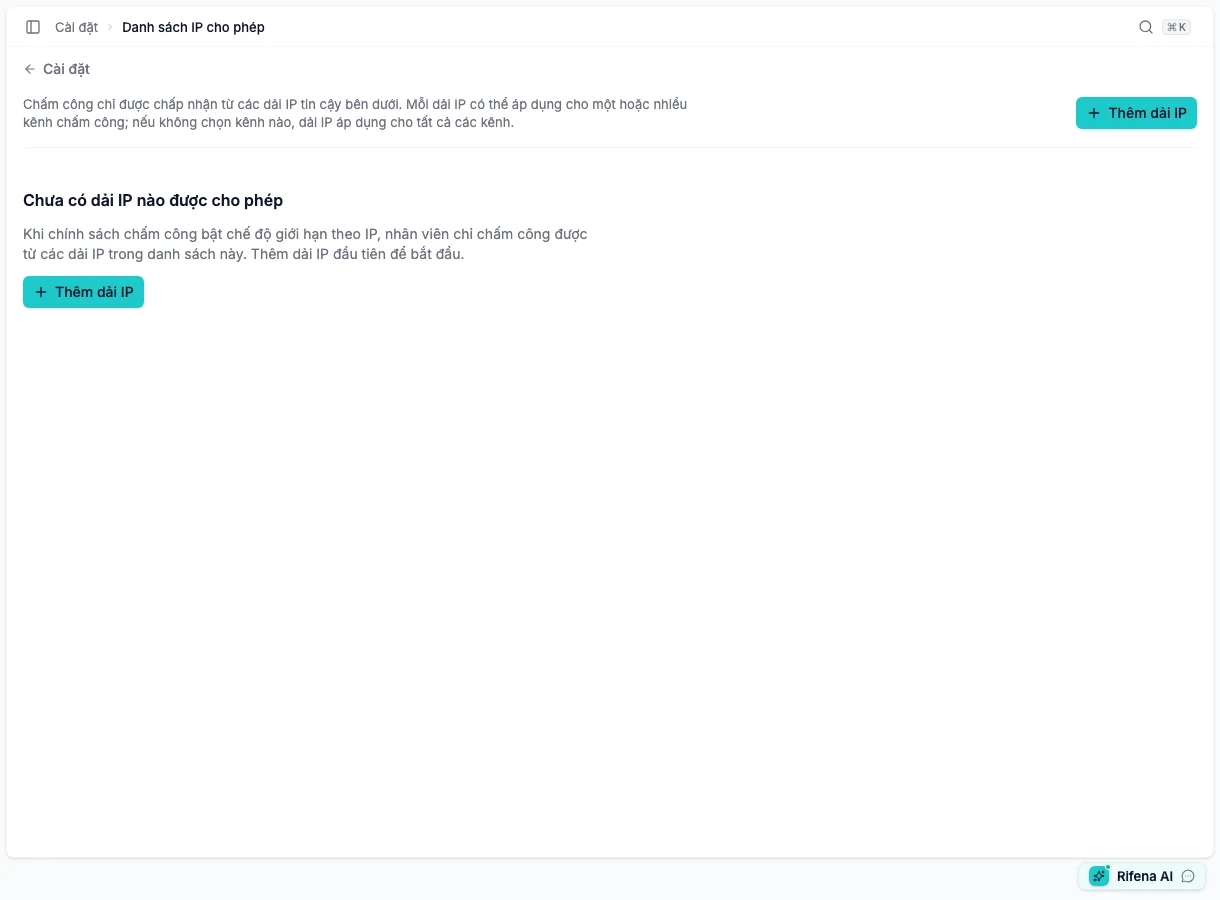
Create a range
- Choose Add IP range.
- Enter a verified address or CIDR.
- Label it by location/purpose, not a person’s name.
- Choose one or more of Web, Mobile, Kiosk, Device and Manual. Selecting none is the wildcard for all five sources.
- Save. A new range is always Active; the state switch appears only when editing an existing range.
- Reopen and verify the normalised range and sources.
A single address can be normalised to a one-address range. Do not broaden it without understanding the network.
Use my IP
Use my IP fills the address Rifena sees. It is only a starting point: office NAT, VPN/proxy, mobile networks and IPv4/IPv6 can change the observed address. Ask network administration to confirm CIDR before enforcing it on clocking.
- Active
- The range participates when an effective clock policy requires IP for the matching source.
- Inactive
- Edit and switch off the row to preserve it while excluding it from new clock checks.
- Edit
- Changes CIDR, label or channels; retest before broad use.
- Delete
- Appears directly only on an Active row. An Inactive row stays available for edit and reactivation.
Relationship to clock policy
The allowlist defines which networks may clock. It does not control Rifena sign-in or access to administration pages. Whether a clocking source requires IP is configured at Operations → Timekeeping → Configuration → Clock policies, then applied via Policy assignments.
For a blocked employee, verify effective policy, channel, observed address, range state and source. Change CIDR only after network confirmation.
See Time and attendance setup and Time and attendance issues.