Operations is for people who manage time data, work schedules and compliance
within their assigned scope. Employees view and submit their own information in
Personal → Employee portal.
AreaOperations
Typical usersHR, group managers and timekeeping operators
How to readArea → workspace → view
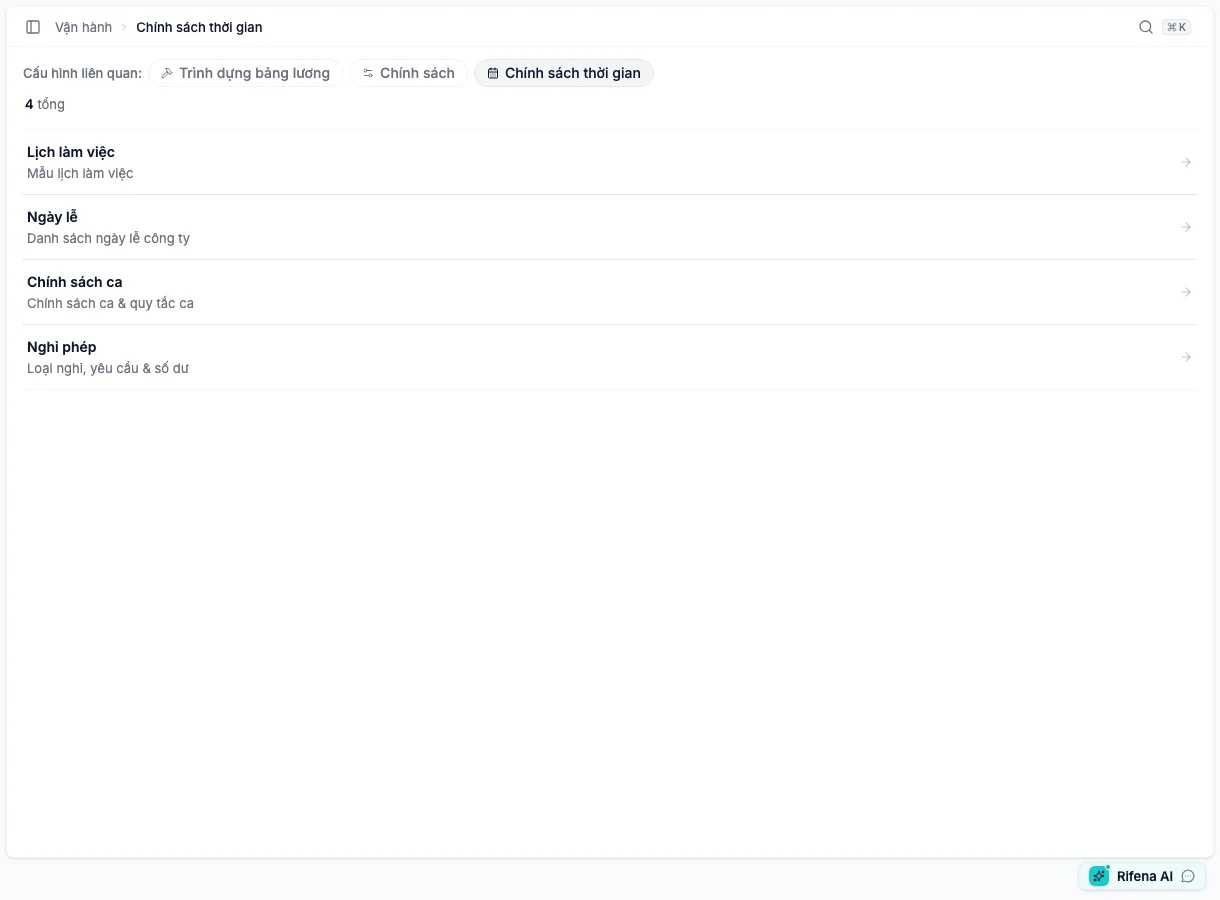
Captured from the current staging system with account details anonymised. These four workspaces are peers under Operations.An 18-second silent recording made directly on the current staging UI by the Docs team, with user data anonymised. Enable captions to follow each view.
Current screen tree
When an item is missing
Confirm the selected organisation.
Confirm the account’s role and group scope.
Do not use an employee self-service account to test an administration area.
If the page redirects to another tab, the requested tab may be outside the
current permission set; Rifena keeps the user on an accessible tab.